 Marriage Biodata Guide
How to Make a Biodata for Marriage
Five steps, thirty minutes, one page at the end. Or skip straight to the free maker, which walks the same steps as a form.
Step 1 — Gather the facts first
Before writing anything, collect: exact date and time of birth (from the horoscope if your family keeps one), height, education with institute, parents' occupations, and where each sibling is settled. The re-writing happens when these arrive mid-draft.
Step 2 — Choose your sections
Start from the standard six-section format and delete what doesn't apply to your community. Deleting is the right move — an empty gotra field looks worse than no gotra field.
Step 3 — Write it plainly
Facts, not adjectives. "Calm, family-oriented; cricket on weekends" beats "fun-loving and caring by nature". Every claim should be something a stranger could verify in the first call without embarrassment.
Step 4 — Add the photo
Recent, individual, natural light. Name the file properly (Aarav-Sharma-biodata.pdf, not IMG_4821) — filenames get seen in WhatsApp forwards.
Step 5 — Export and check on a phone
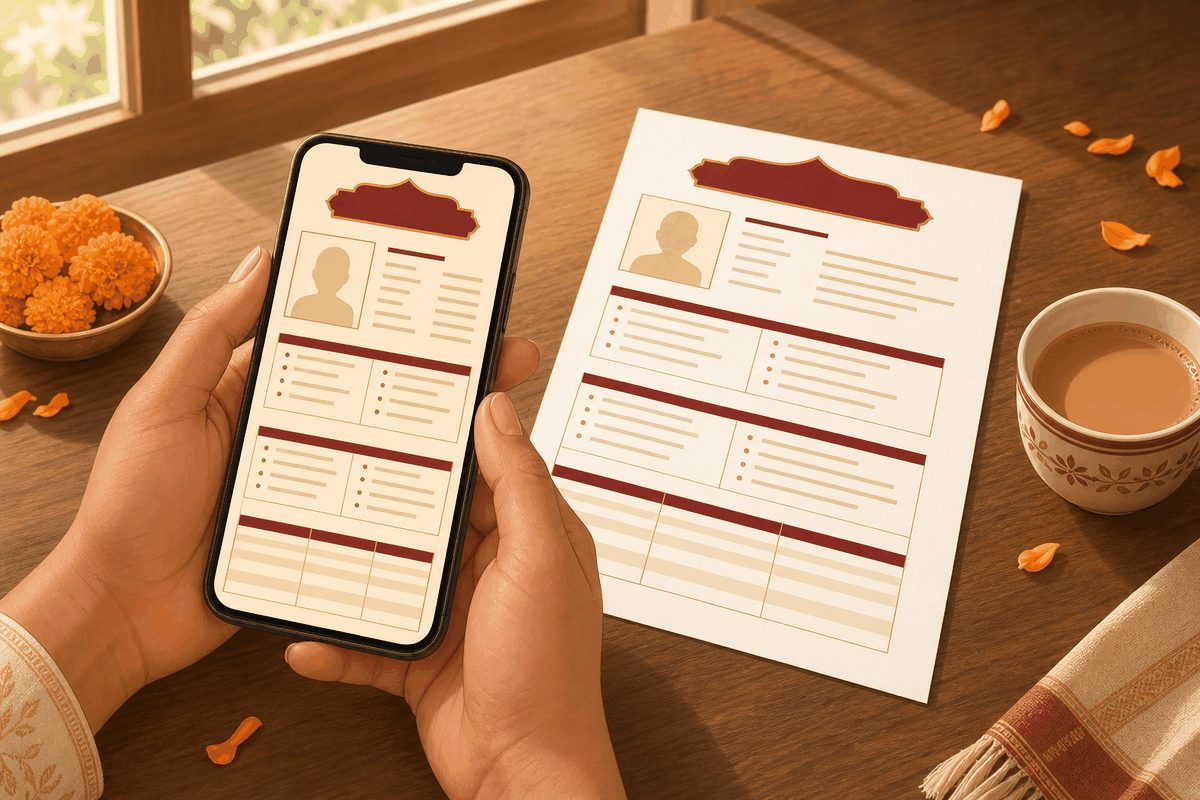
Almost every biodata is read on WhatsApp on a phone. Export the PDF, send it to yourself, and check: one page, readable without zooming, photo not stretched. Then it's ready to share.
Prefer it on your phone? Rishta makes the biodata with photo and six designed templates, exports a WhatsApp-ready image, and privately tracks every rishta that follows.
Get Rishta for iPhone — free to start
Everything stays on your phone. No account, no profile, no strangers.
Frequently asked questions
How do I make a biodata for marriage on my phone?
Use the free maker on this site (works in any mobile browser, nothing uploaded) and save as PDF from the print preview — or use the Rishta iPhone app, which adds designed templates, photo placement and Hindi.
What size should the biodata PDF be?
One A4 page, ideally under 1 MB so it forwards instantly on WhatsApp. Compress the photo before inserting it; a 4 MB biodata gets downloaded late and read last.